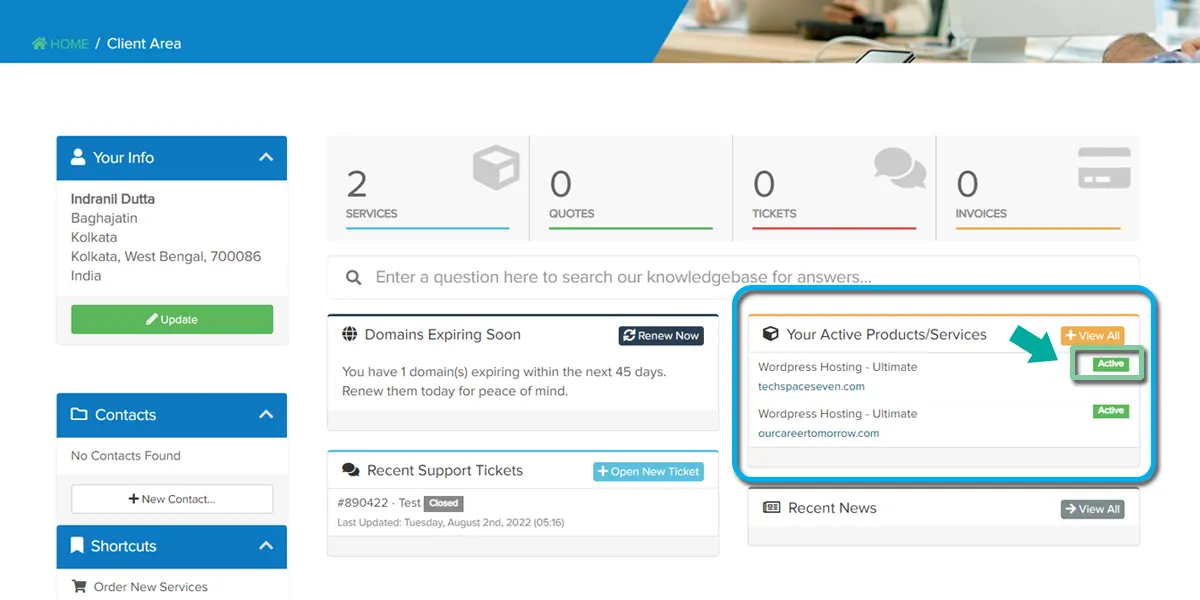
After logging in successfully, you are redirected to your client area, and now you can see your window. Click here to access the active product/ service tab.
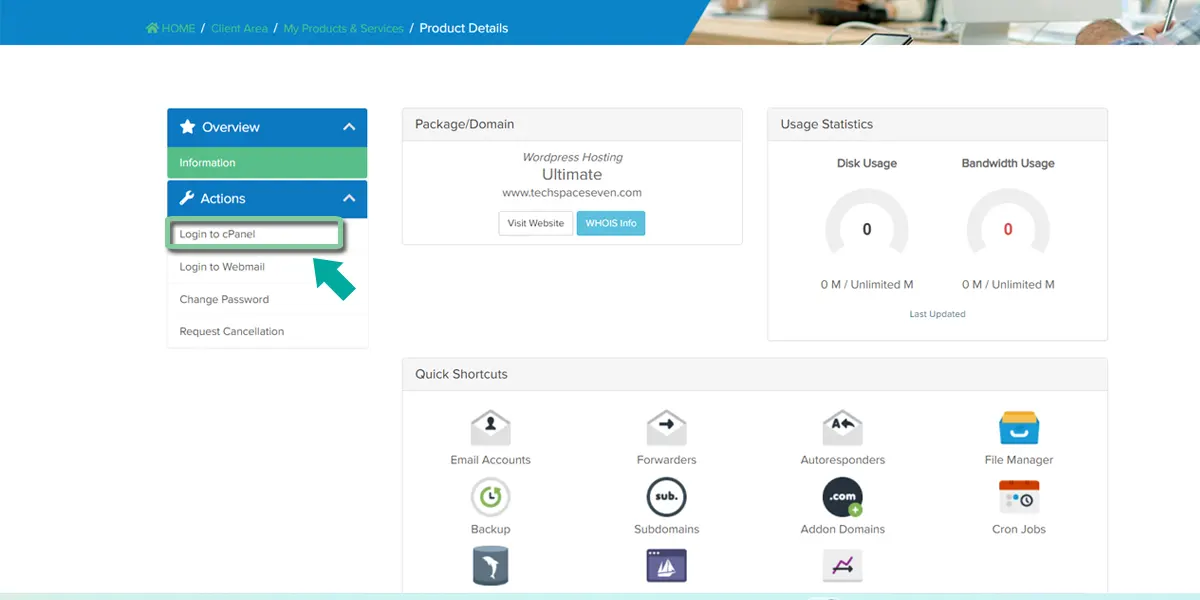
Now you can click on “Login to cPanel” in the left sidebar. Only click here, and you will be redirected to cPanel without a password.
Or You can log in to cPanel following this link: cPanel